Improve Performance
If your system is lagging, or a program doesn’t respond or won’t load, you may have a memory shortage. You may see subtle signs, like poor performance in everyday tasks, or you may be receiving “out of memory” messages.
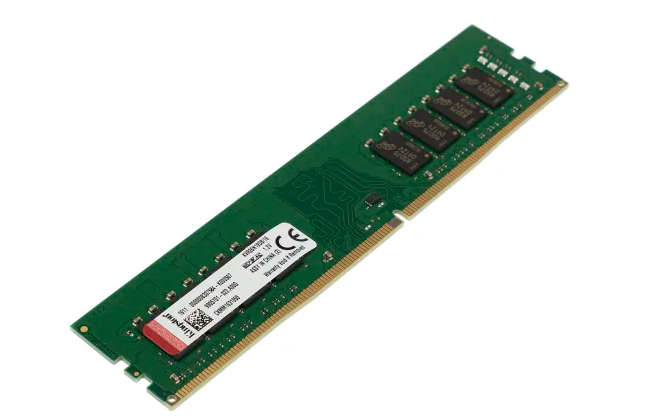
Add reliable Kingston memory and watch your productivity soar: pages will load faster and launching new applications will be easier and faster.
Build your own PC
Thinking of building your own rig? It’s a great way to get exactly what you want in a system.
Before you start, consider your motherboard’s technology. Is it DDR3 or DDR4? How many DRAM slots are available on the motherboard? Do modules have to be installed in pairs, triplets or quads? At what speed do you want your memory to perform? Do you need DIMMs or SO-DIMMs?
By answering these questions, you’ll have a better idea of what you need and which Kingston memory product will work best in your system. You can then search for your motherboard part number using the memory search tool above to find compatible memory.
Replacing or adding new memory
Laptop and PC manufacturers often include standard low-capacity memory modules to reduce cost, which means even new computers may need memory upgrades right out of the gate. Two options: Remove and replace these existing smaller capacity modules, or fill unoccupied memory slots.
In case your memory fails, rest assured that Kingston can deliver what you need to get back up and running with our
lifetime warranty.
In some cases, memory modules of the same capacity must be installed in pairs to get the best performance from your system. Search for your system by name and model number with our memory finder, and we will provide detailed information on the best memory configuration to achieve the best performance for your system.